Midjourney-Prompts: AI Face Lighting Logic
Dieses Tutorial zu "AI Face Lighting Logic" erklärt Modellfunktionen, Prompt-Struktur, Praxistechniken und Einsatzszenarien für produktionsreife Ergebnisse.
Modellfunktionen und Einsatzszenarien
Dieses Tutorial zu "AI Face Lighting Logic" erklärt Modellfunktionen, Prompt-Struktur, Praxistechniken und Einsatzszenarien für produktionsreife Ergebnisse.
Keywords:nanobanana keywords, nanobanana prompts, limaxai
Veröffentlicht: 2026-04-09
- Supports multi-style, camera language, and composition constraints for posters, key visuals, and social covers.
- Batch iteration under one theme helps you produce coherent series for commercial delivery.
- Combining subject, scene, material, lighting, and camera words improves stability and control.
Prompt-Struktur und Vorlagen
| Modul | Prompt-Empfehlung | Einsatz |
|---|---|---|
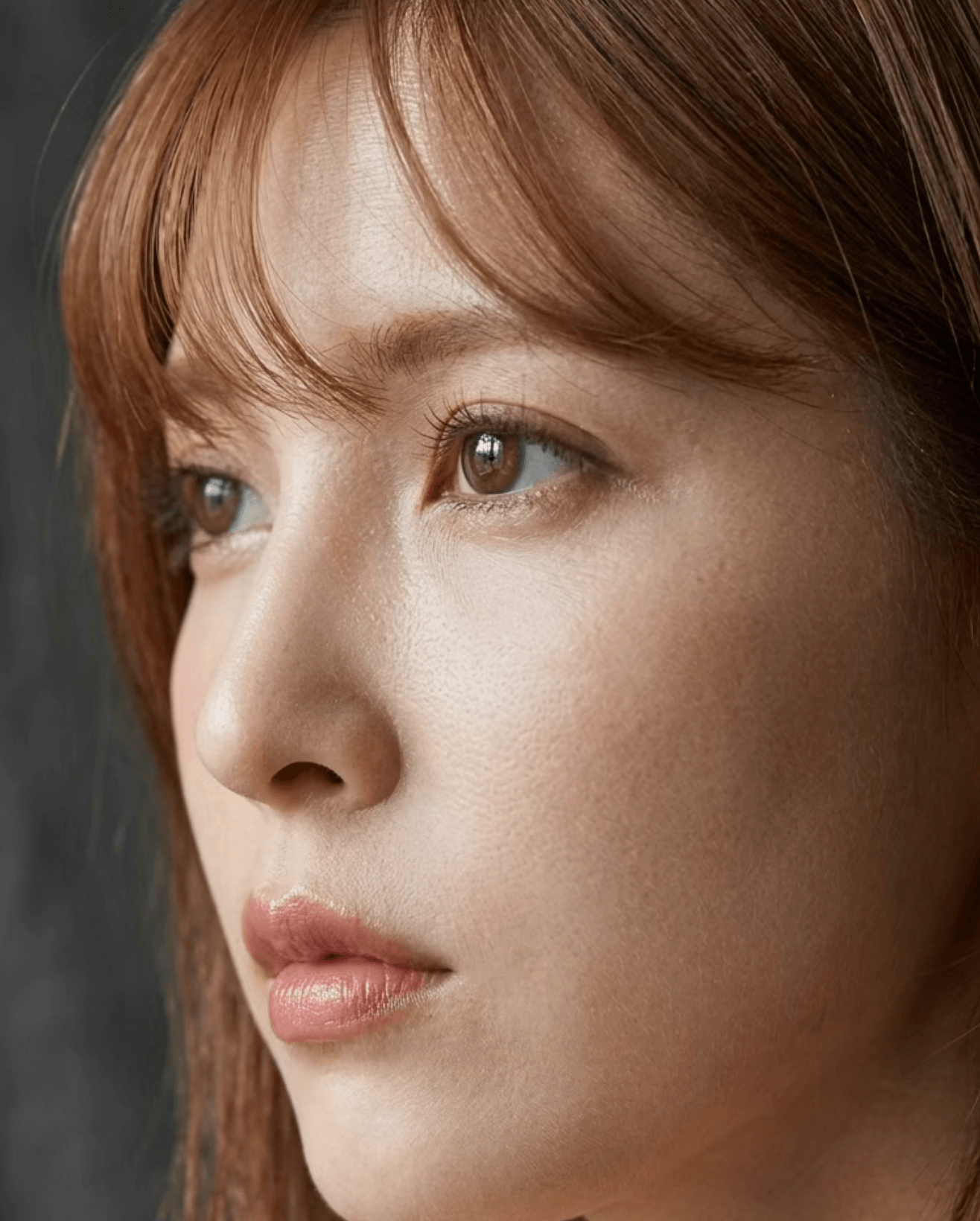
| Key Light Direction | single key light from 45 degrees, soft shadow transition, natural facial volume | Avoid flat light and generic faces |
| Skin Detail | natural skin texture, subtle pores, realistic micro-contrast, no plastic smoothing | Reduce fake and waxy skin look |
| Lens and Depth | 85mm portrait lens feel, shallow depth of field, sharp eyes, gentle bokeh | Increase photographic realism |
| Post Style | editorial color grading, balanced highlights, controlled shadows | Improve commercial portrait finish |
Praxis-Tipps und Fehlerquellen
- Use a structured prompt: subject + scene + style + lighting + camera + quality.
- Lock composition and color direction first, then add material and atmosphere details.
- For batch output, keep style core fixed and only replace scene variables.
Referenzbild
Jetzt auf LimaxAI nutzen
Prompts in Midjourney auf LimaxAI einfügen, zunächst Entwürfe erstellen und dann Komposition und Licht verfeinern.