AI tutorial
AI Painting: Stunning Fashion Magazine Covers and Posters
LimaxAI Team • • 3 min read
This article focuses on AI tutorials, LimaxAI, AI tools, and AI video/image use cases—how to create fashion-magazine-style covers and posters with AI: layout, safe areas, hero visuals, and color.
Keywords: AI tutorial, LimaxAI, AI tools, AI video.
Published: 2026-04-01
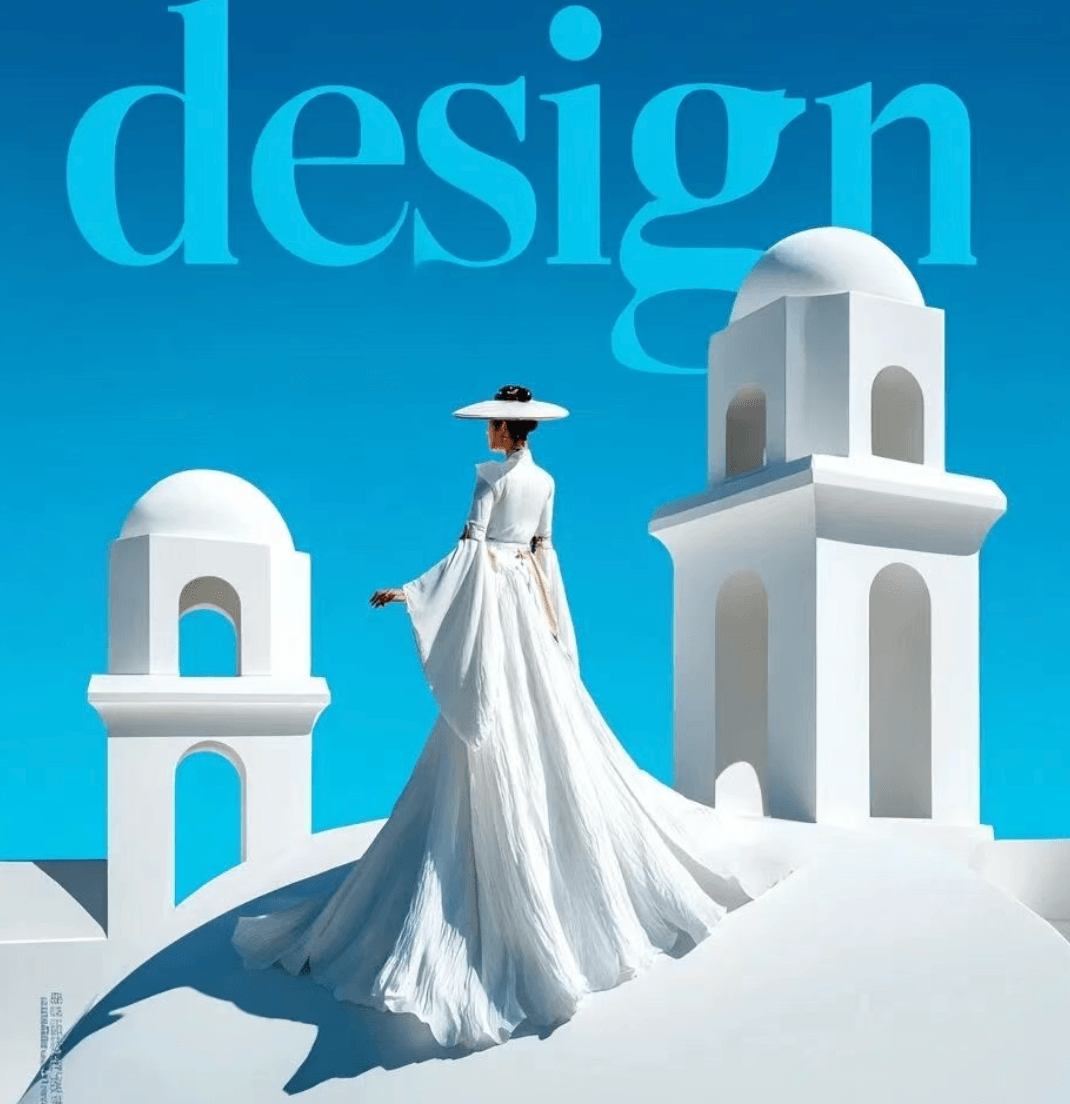
1. Layout essentials for covers and posters
- Hero focal point: model or product as the visual anchor—avoid clutter.
- Title safe zone: reserve space for masthead and headlines.
- Series consistency: lock palette and lighting keywords across a set.
2. Prompt structure
Use scene + fashion photography style + lighting + composition (negative space) + quality. Example:
Fashion magazine cover layout, editorial photography, negative space for headline, soft studio lighting, elegant pose, high-end styling, 8k, color grading cinematic| Module | Role | Tip |
|---|---|---|
| Negative space | Room for titles | negative space, clean background area |
| Lighting | Premium feel | softbox, rim light, subtle contrast |
| Style | Magazine look | editorial, luxury campaign |
3. Production flow
- Choose aspect ratio for the channel (e.g. 3:4 or 4:5 for vertical covers).
- Lock composition, then refine color—avoid rewriting the whole prompt.
- Add typography in post; AI stage focuses on a clean hero visual.
4. Conclusion
Fashion covers need hero + negative space + light. On LimaxAI, iterate fast and pick the best frame for layout and publishing.