AI Faces Look Too Generic? Fix with Lighting Logic
This tutorial solves the “generic AI face” issue by refining portrait lighting logic: key light direction, tonal layering, skin detail realism, and lens-aware prompt control.
Model Capabilities and Use Cases
This tutorial solves the “generic AI face” issue by refining portrait lighting logic: key light direction, tonal layering, skin detail realism, and lens-aware prompt control.
Keywords:nanobanana keywords, nanobanana prompts, limaxai
Published: 2026-04-09
- Supports multi-style, camera language, and composition constraints for posters, key visuals, and social covers.
- Batch iteration under one theme helps you produce coherent series for commercial delivery.
- Combining subject, scene, material, lighting, and camera words improves stability and control.
Prompt Templates and Structure
| Module | Prompt Suggestion | Use |
|---|---|---|
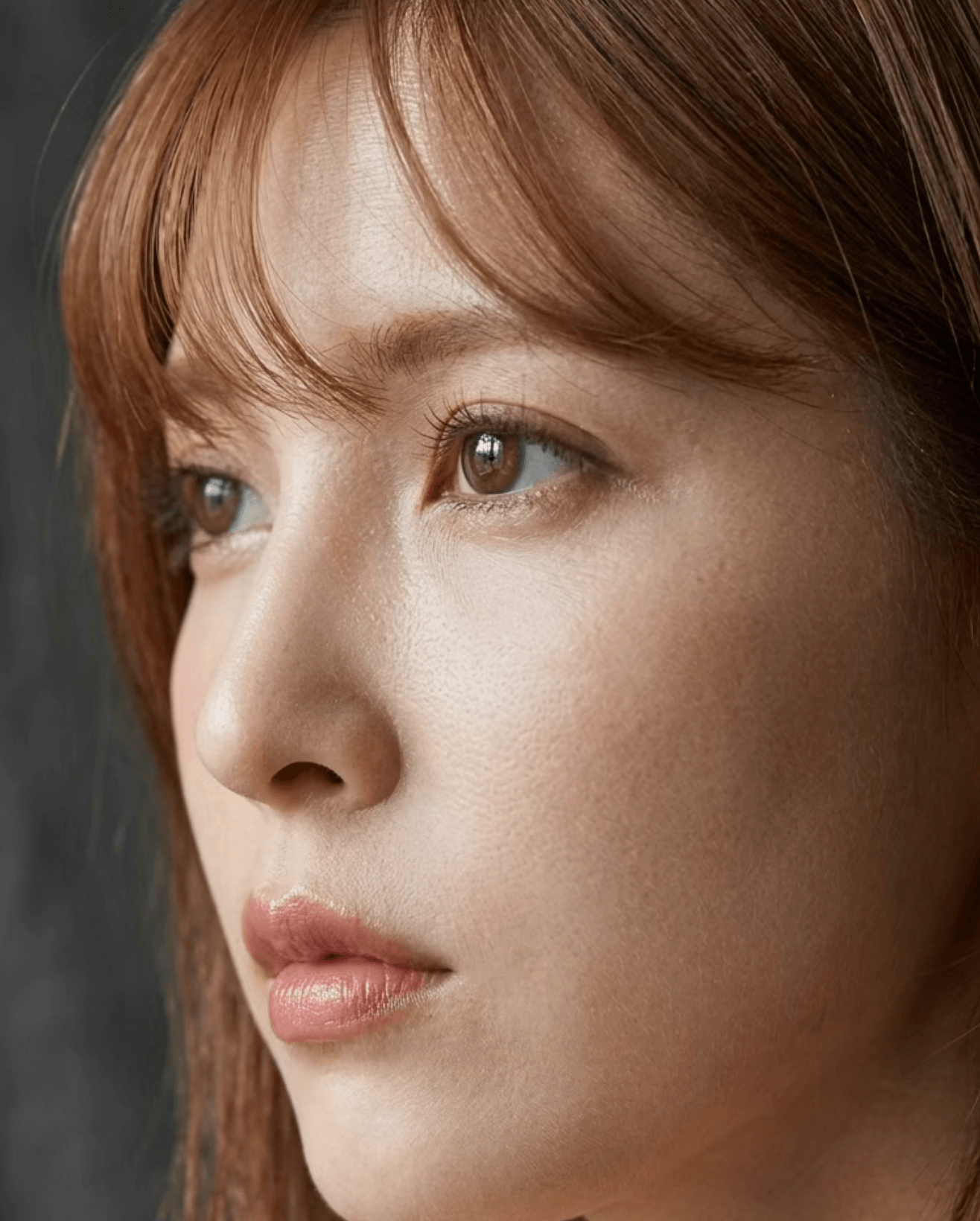
| Key Light Direction | single key light from 45 degrees, soft shadow transition, natural facial volume | Avoid flat light and generic faces |
| Skin Detail | natural skin texture, subtle pores, realistic micro-contrast, no plastic smoothing | Reduce fake and waxy skin look |
| Lens and Depth | 85mm portrait lens feel, shallow depth of field, sharp eyes, gentle bokeh | Increase photographic realism |
| Post Style | editorial color grading, balanced highlights, controlled shadows | Improve commercial portrait finish |
Practical Tips and Pitfalls
- Use a structured prompt: subject + scene + style + lighting + camera + quality.
- Lock composition and color direction first, then add material and atmosphere details.
- For batch output, keep style core fixed and only replace scene variables.
Reference Image
Use on LimaxAI Now
Paste the prompts into Midjourney workflow on LimaxAI, create low-cost drafts first, then refine composition and lighting step by step.