Nano Banana 2: Full E‑commerce Detail Page (Posture Corrector Example)
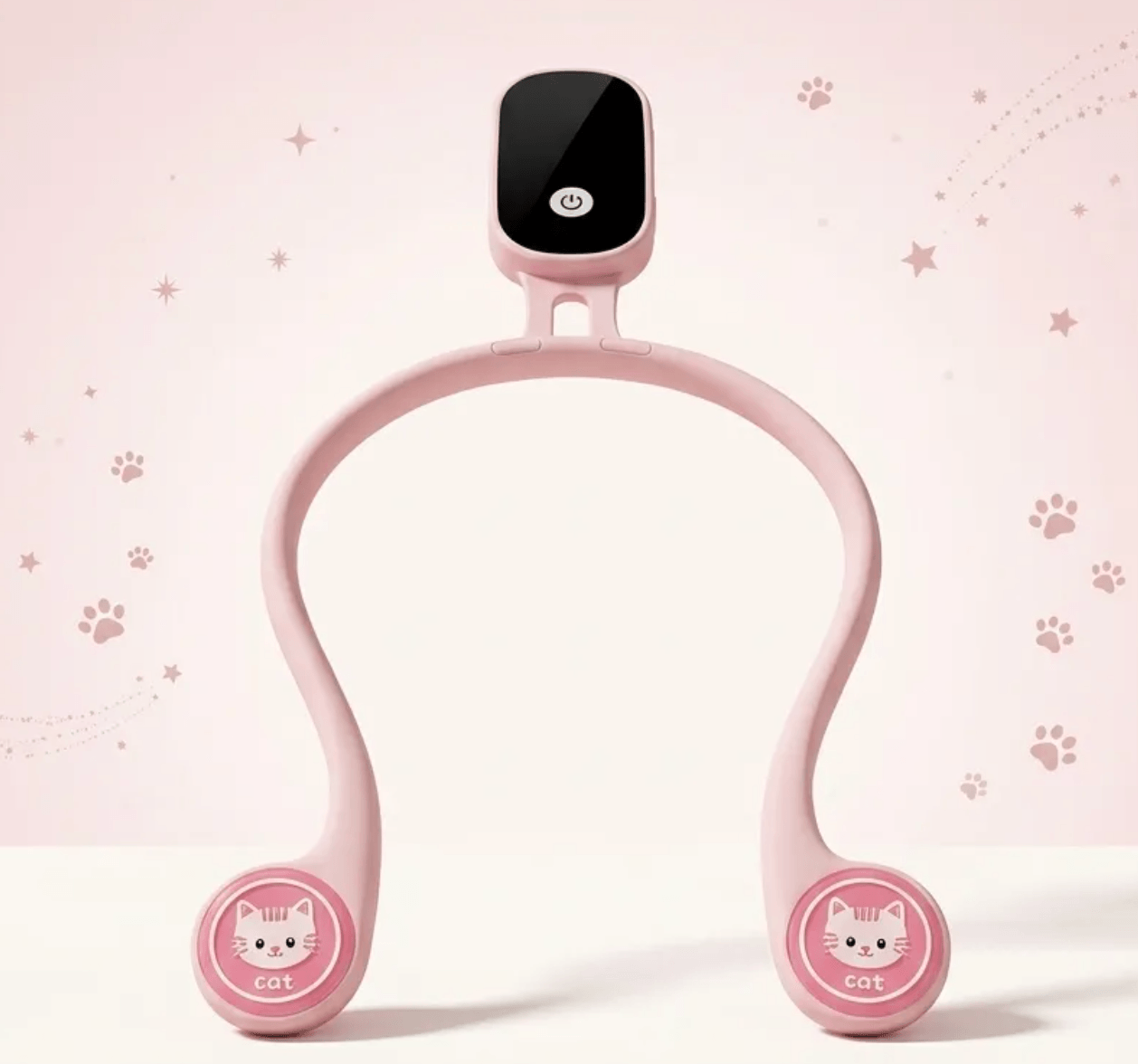
With just one product image, Nano Banana 2 can produce a full set of e‑commerce detail pages. This walkthrough uses a children’s posture corrector: from promo image to multi-screen detail copy and image generation on LimaxAI.
What you need
- One product hero image
- One wearing/reference image (strongly recommended). Without it, the model may misplace the product or distort details; generating a promo image with wearing cues first, then using it as a second reference, helps lock the correct way to wear.
Step 1: Generate a promo image
Example prompt: Create an e‑commerce promo image for this children’s posture corrector. Use the result together with the hero as references for the following detail screens.
Step 2: Detail-page prompts (let AI plan)
Send both references to an LLM (e.g. Doubao) and ask it to draft a Taobao-style detail page outline. You’ll get prompt copy for each screen.
Step 3: Generate screen by screen
Paste each screen’s prompt into Nano Banana 2 or Nano Banana Pro (both handle long copy well). Generate one image per screen. Specify a consistent style, e.g. light pink gradient, simple lines, cute cat elements, 2:3 vertical, clean and professional.
Why Nano Banana feels like a design assistant
Before: hunting for assets, layout, copy, and repeated style tweaks. Now: hand copy to an LLM and visual execution to Nano Banana; you direct—review each screen, keep style consistent, and fix misunderstandings. Great for ops and small sellers.
Sample
Start creating
On LimaxAI you can use Nano Banana 2 and follow this workflow to go from one product image to a full detail page set—one account, no switching.